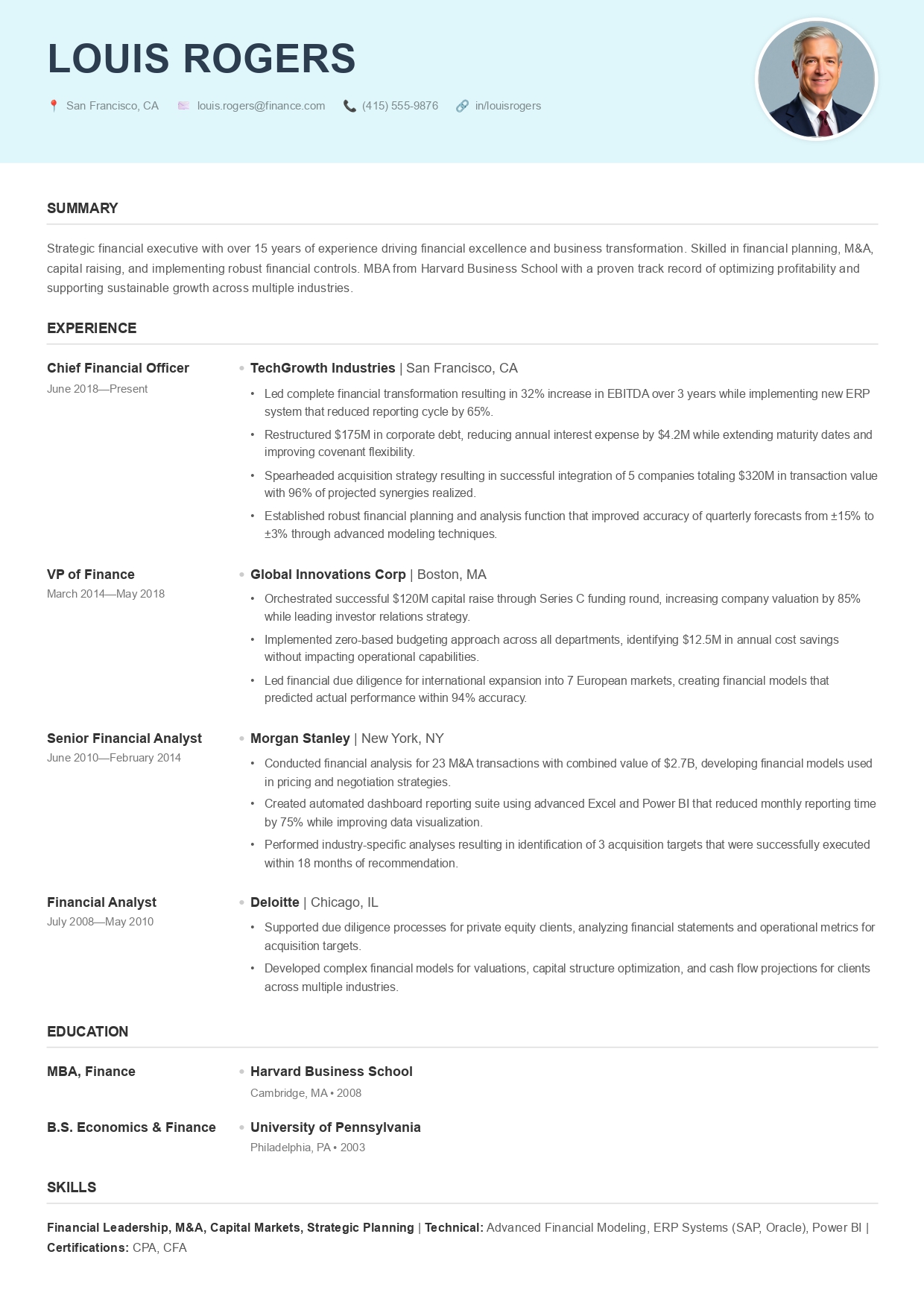
Mobile-First Resume Builder

Create your Resume on
your Smartphone

No app download. No complex menus. Just open your browser, use our specialized AI, and download a professional HD PDF in less than 5 minutes.

Create my Resume Now

Ready in 5 Mins • Safari & Chrome Optimized • Direct PDF Download

Precision in your Palm

CVByAI Mobile

Why wait for a Desktop?

Our interface is designed for one-handed operation. Whether you're on the bus, waiting for a coffee, or resting at home, you can finish your entire application without ever touching a mouse.

  • Zero friction mobile interface
  • AI writes your bullet points on tap
  • One-click styles for all professions

The Power of Portability

AI on the Go

Our AI handles the heavy lifting. Just enter your job title, and the AI generates professional descriptions instantly.

Ultra-Fast Loading

Optimized for mobile data. No heavy assets. Build and download your resume even on 4G.

Universal Access

Start on your iPhone, finish on your Laptop. Your progress is synced and ready whenever you are.

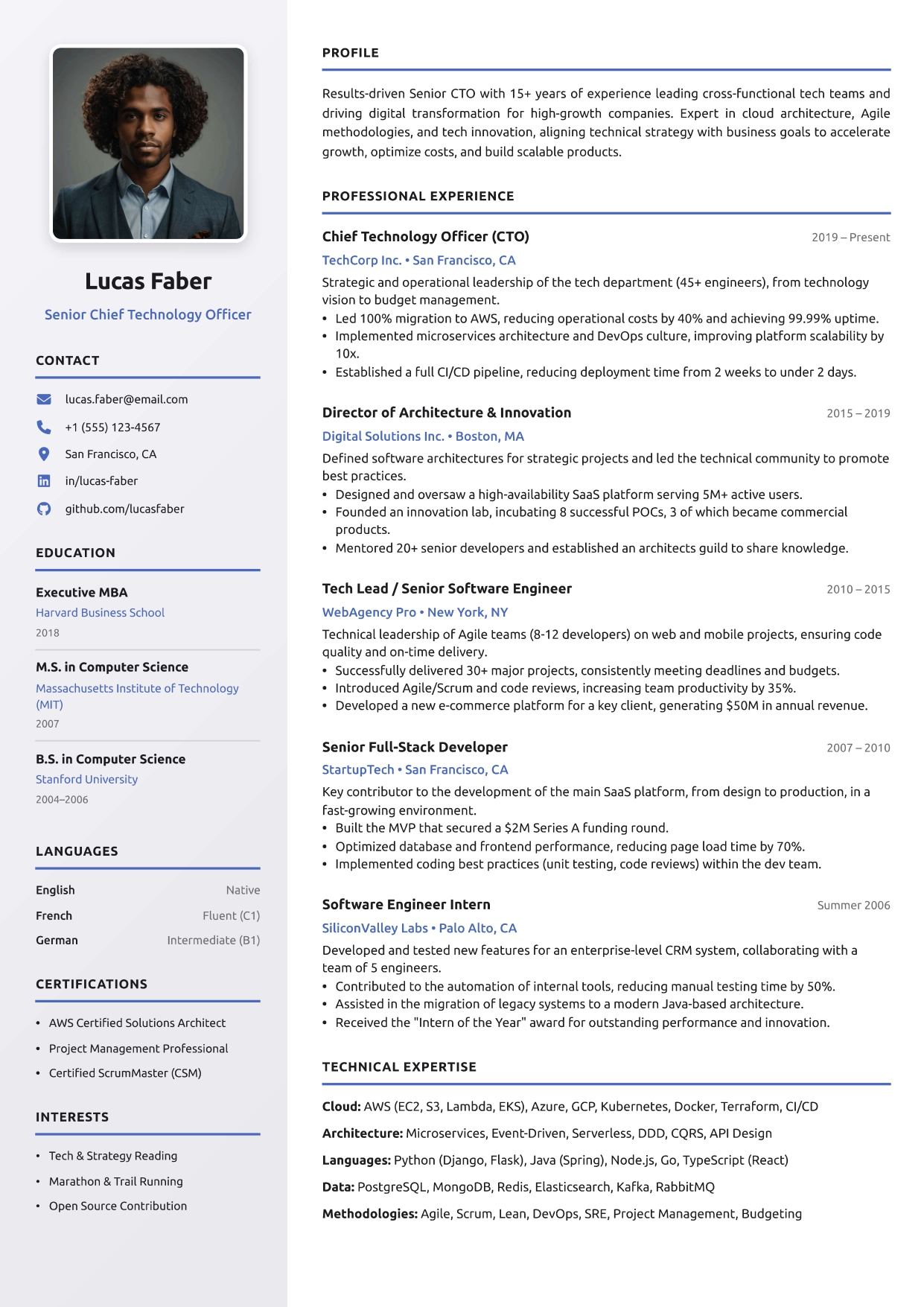
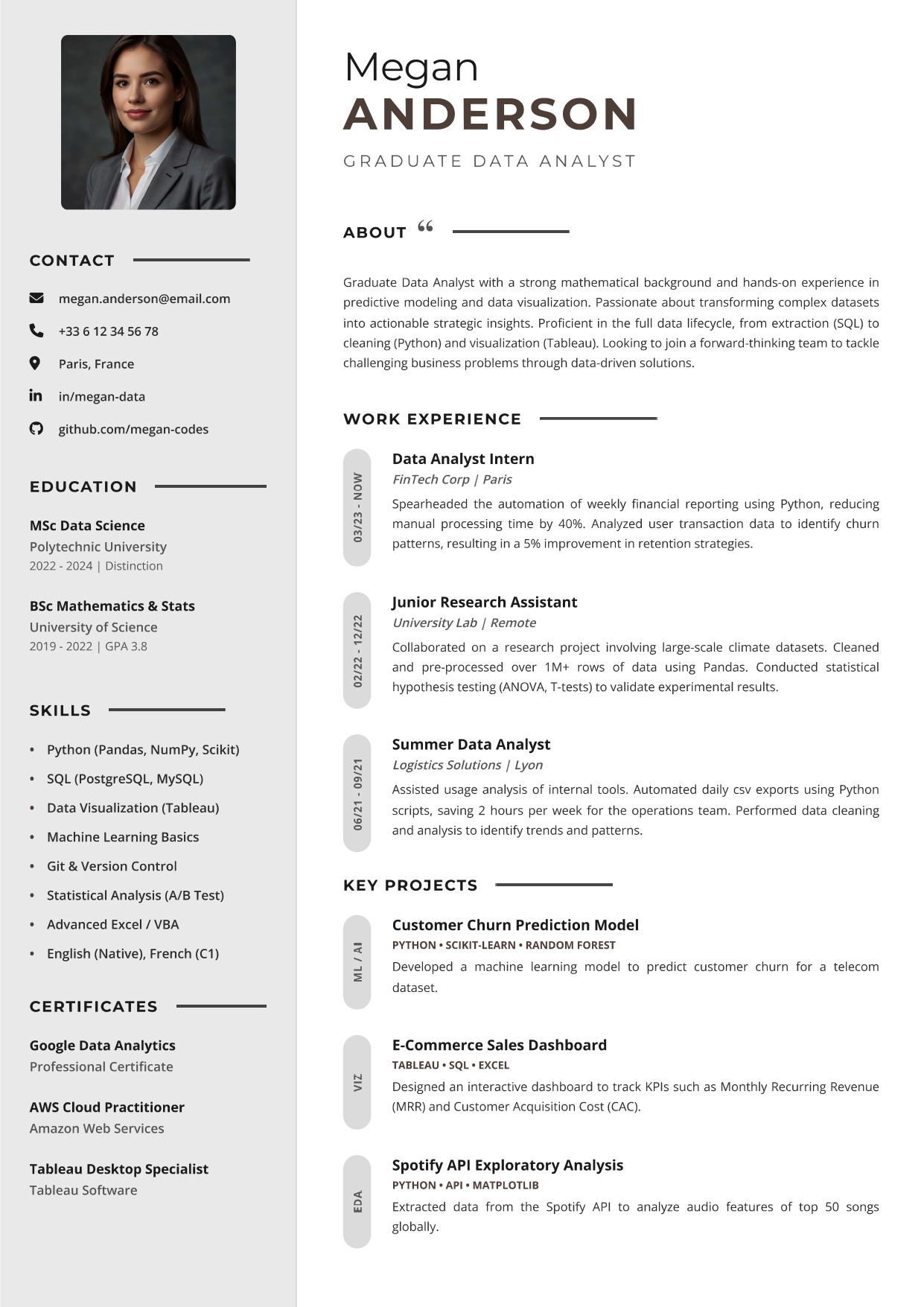
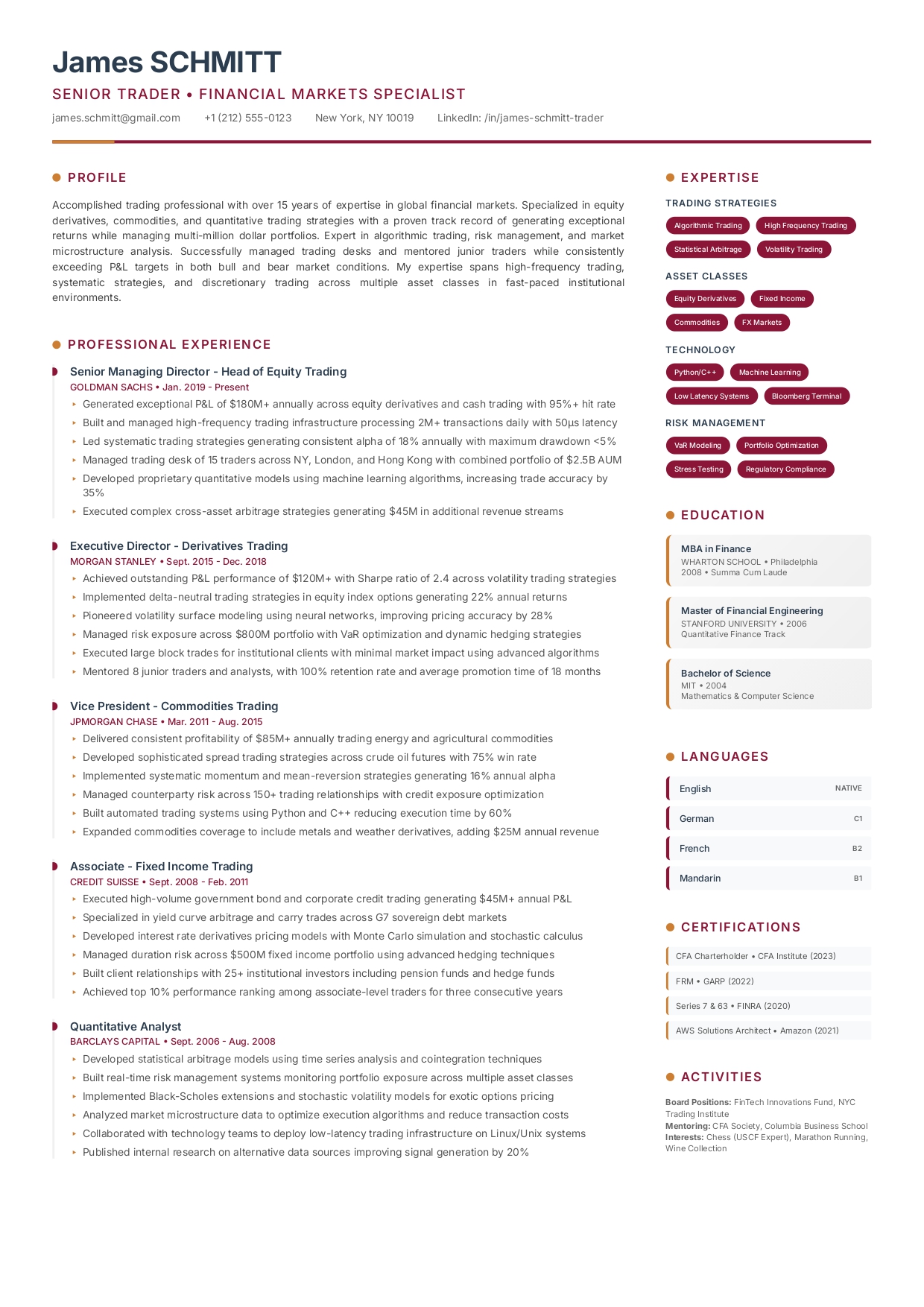
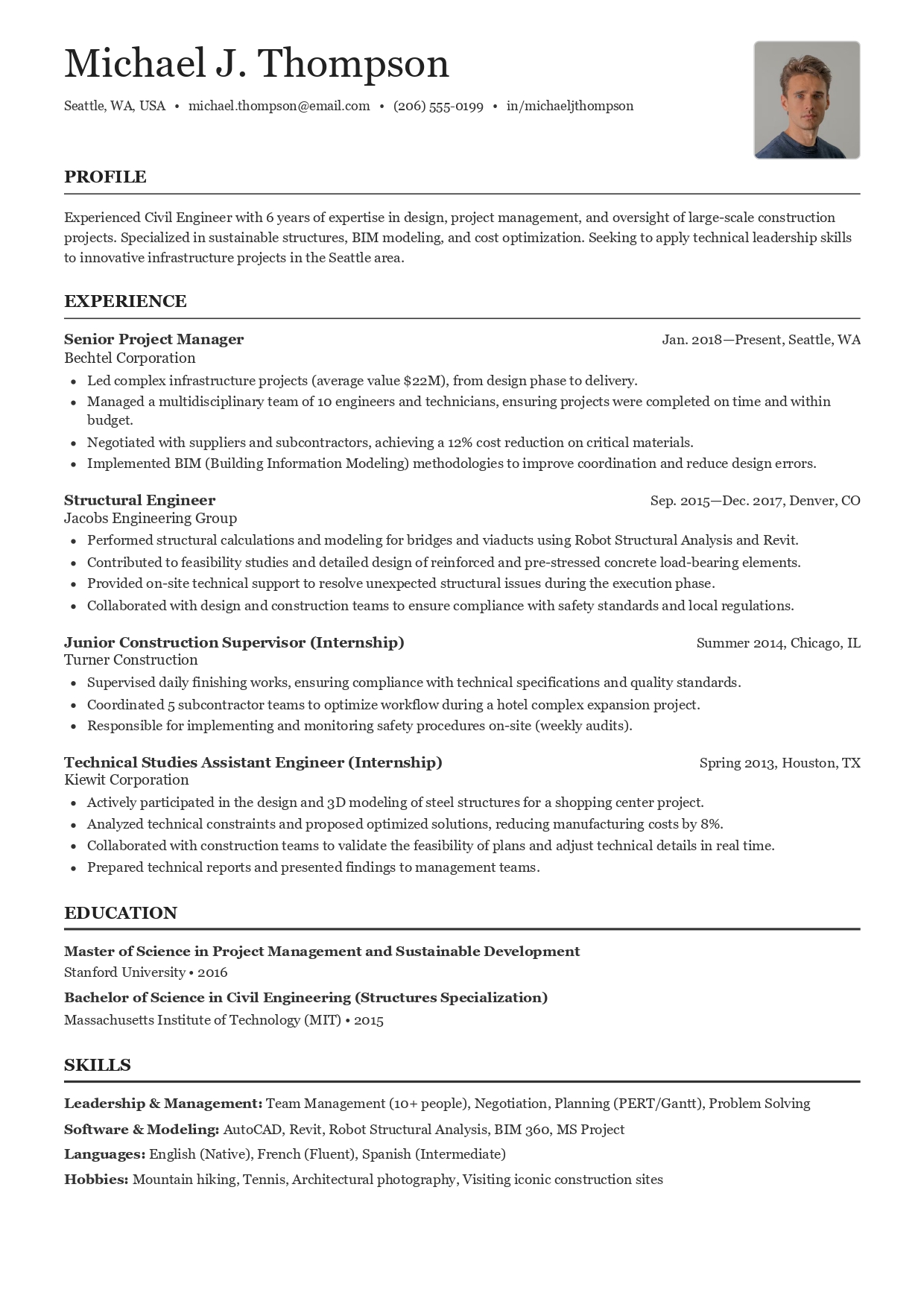
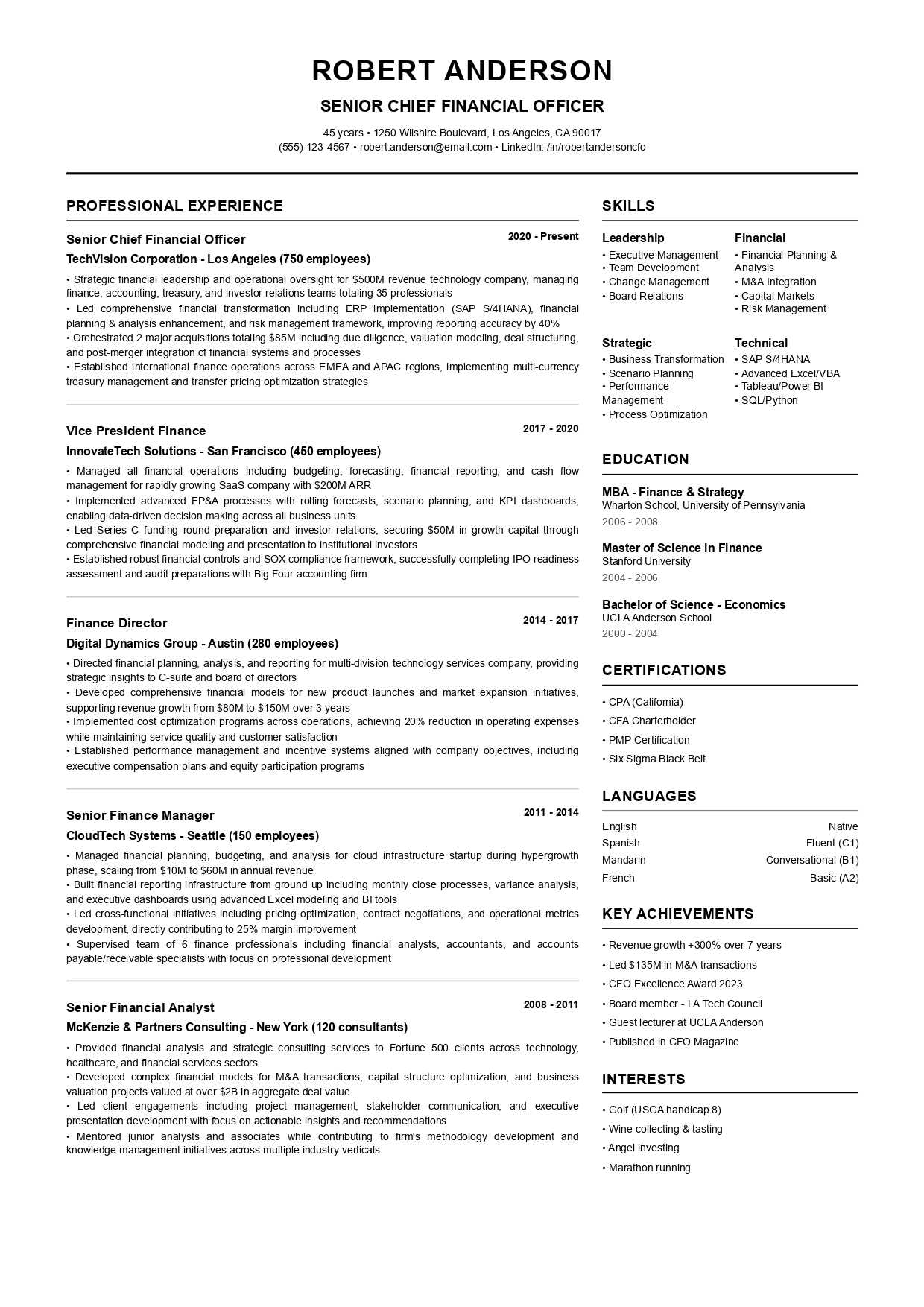
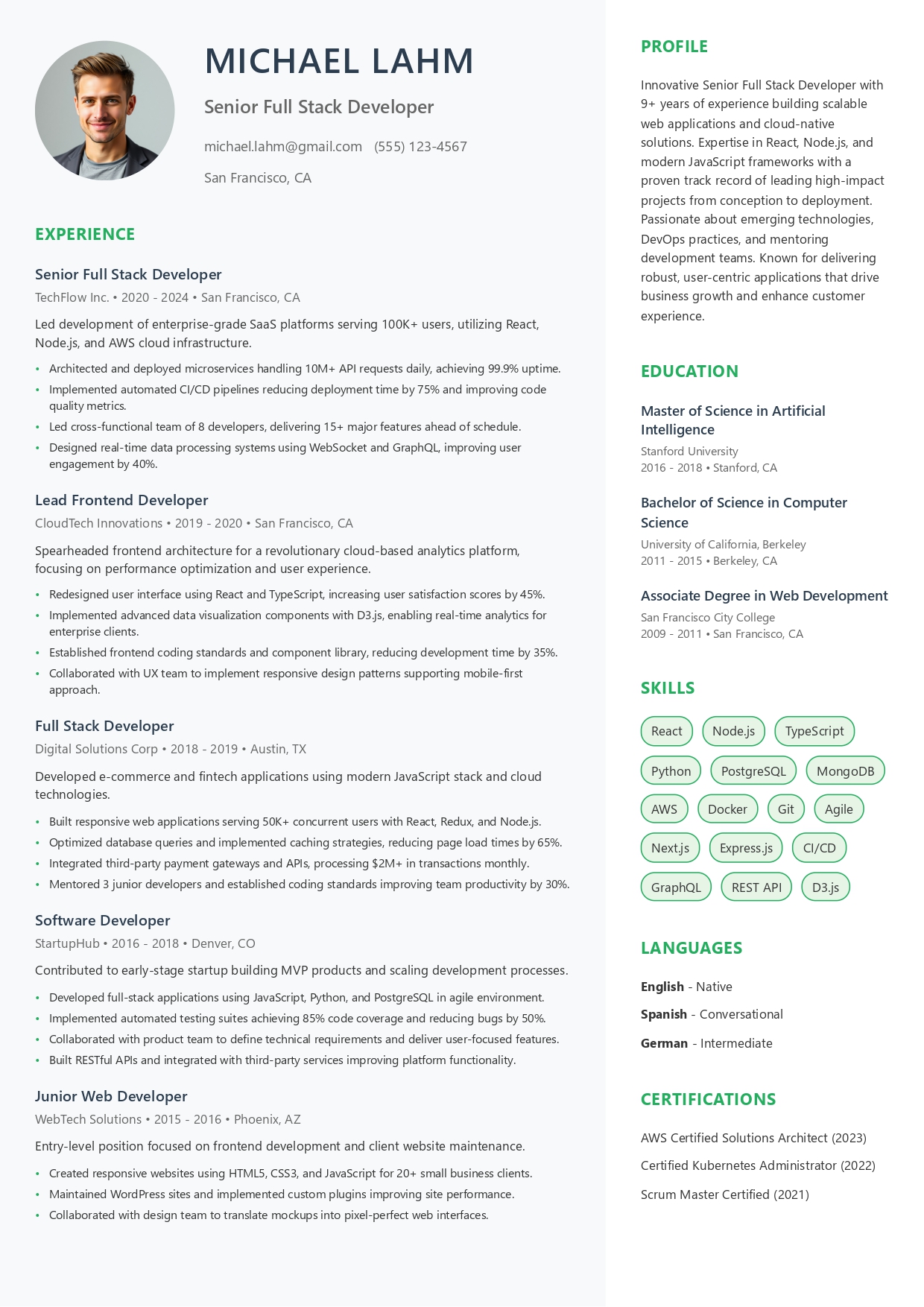
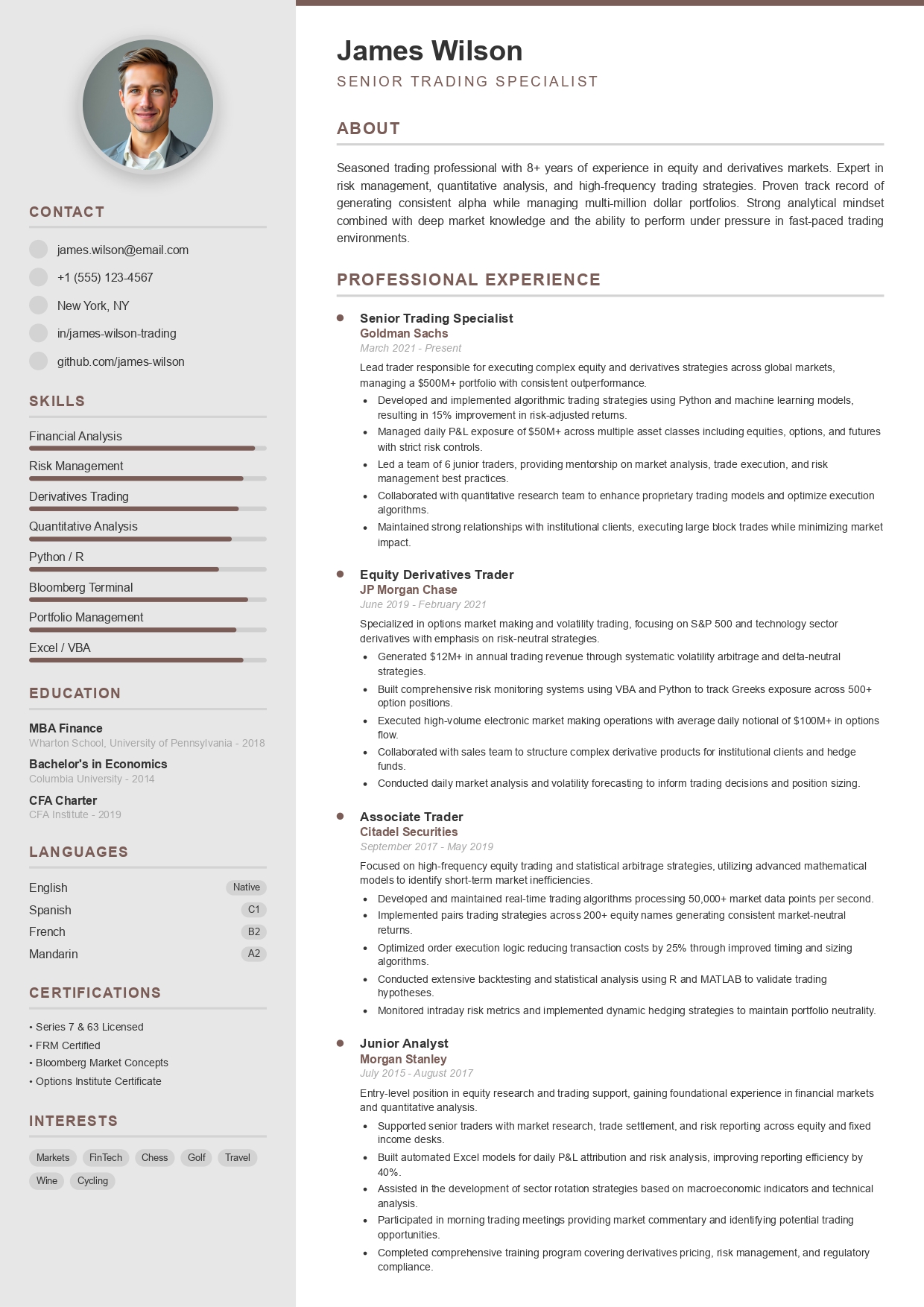
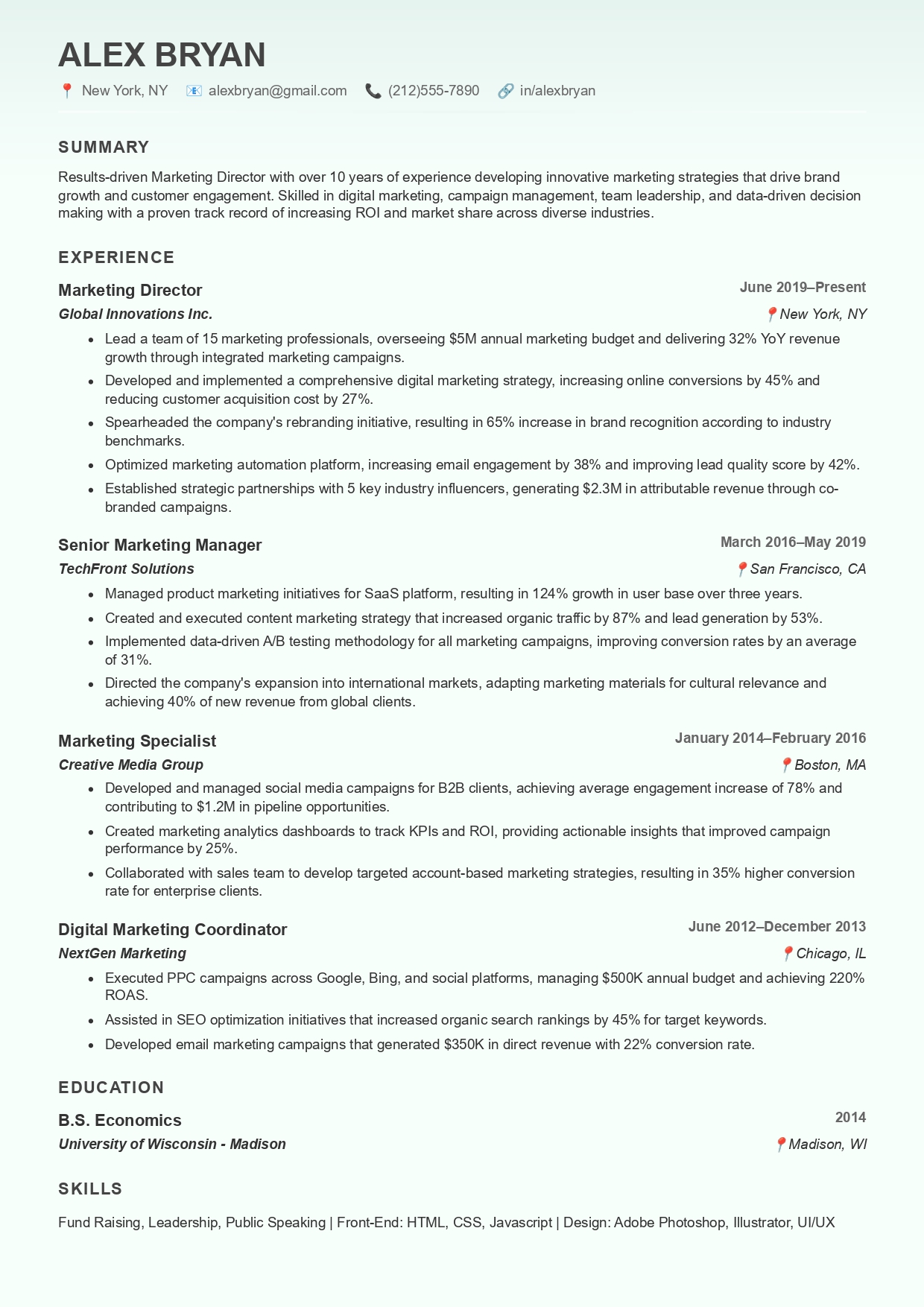
Mobile-Optimized Templates

Designs that look great both on your phone's screen and in a recruiter's inbox.
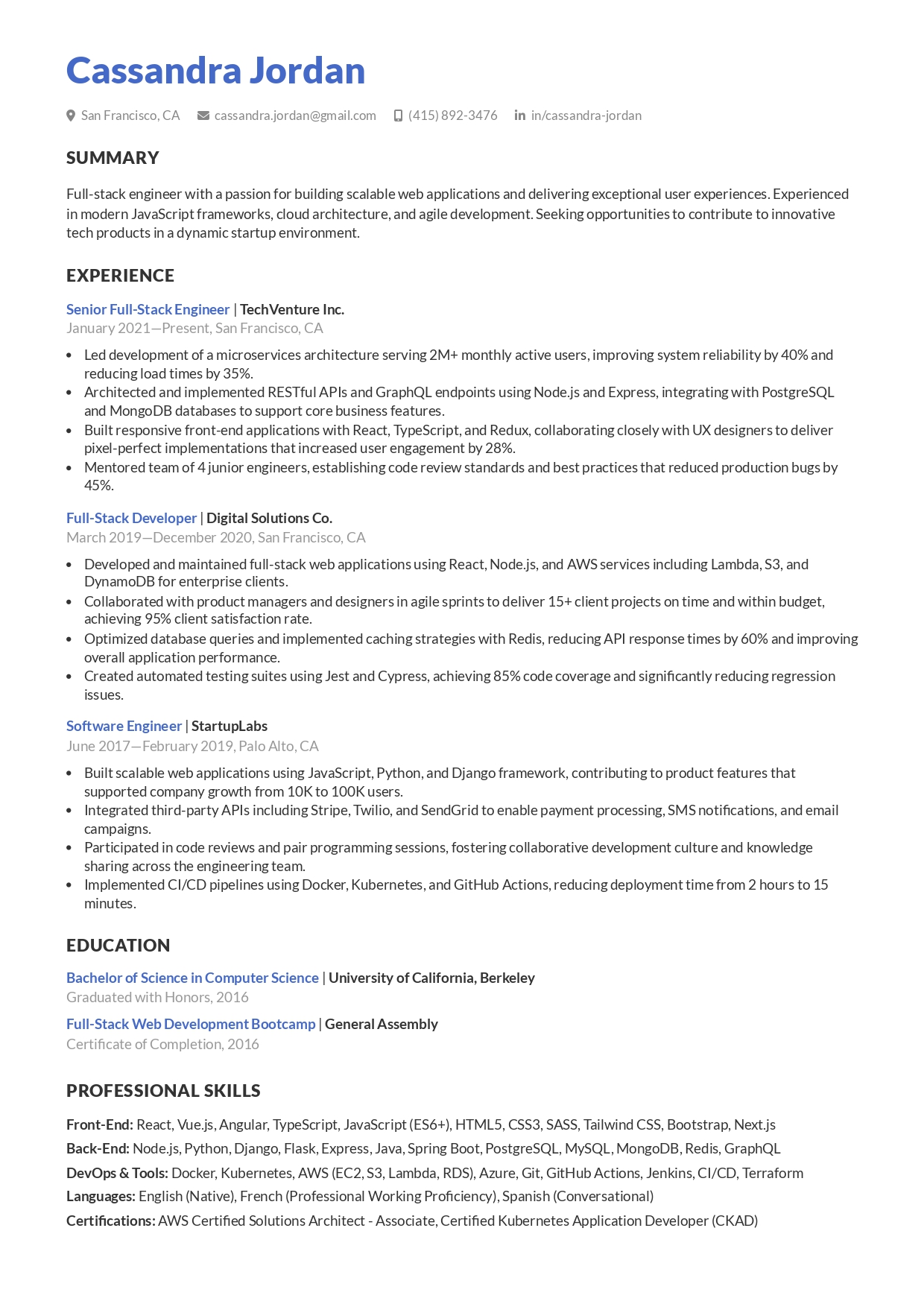
mobile-optimized professional resume template
smartphone cv maker modern model
fast mobile resume builder design
responsive resume template for mobile users
on-the-go resume creation model
clean cv builder for iphone and android
mobile-first professional cv style
best quick mobile resume template 2026
premium smartphone resume creator design
instant mobile pdf resume model

Maximum Performance

Just like a sprint, we focus on speed and precision. Get a professional resume on your phone in less than 10 seconds.

Mobile Building FAQs

Do I need to download an app?
No! CVByAI works directly in your mobile browser. Just visit our site, and you'll have the full features of a desktop suite in your pocket.
How do I save the PDF on my phone?
Once you click "Download", your phone will handle it like any other file. On iPhone, it goes to your "Files" app or "Downloads". On Android, it's saved in your "Downloads" folder instantly.
Can I send the resume directly to an employer from my phone?
Yes. Since you download an industry-standard PDF, you can immediately attach it to an email, an Indeed application, or upload it to LinkedIn directly from your mobile device.