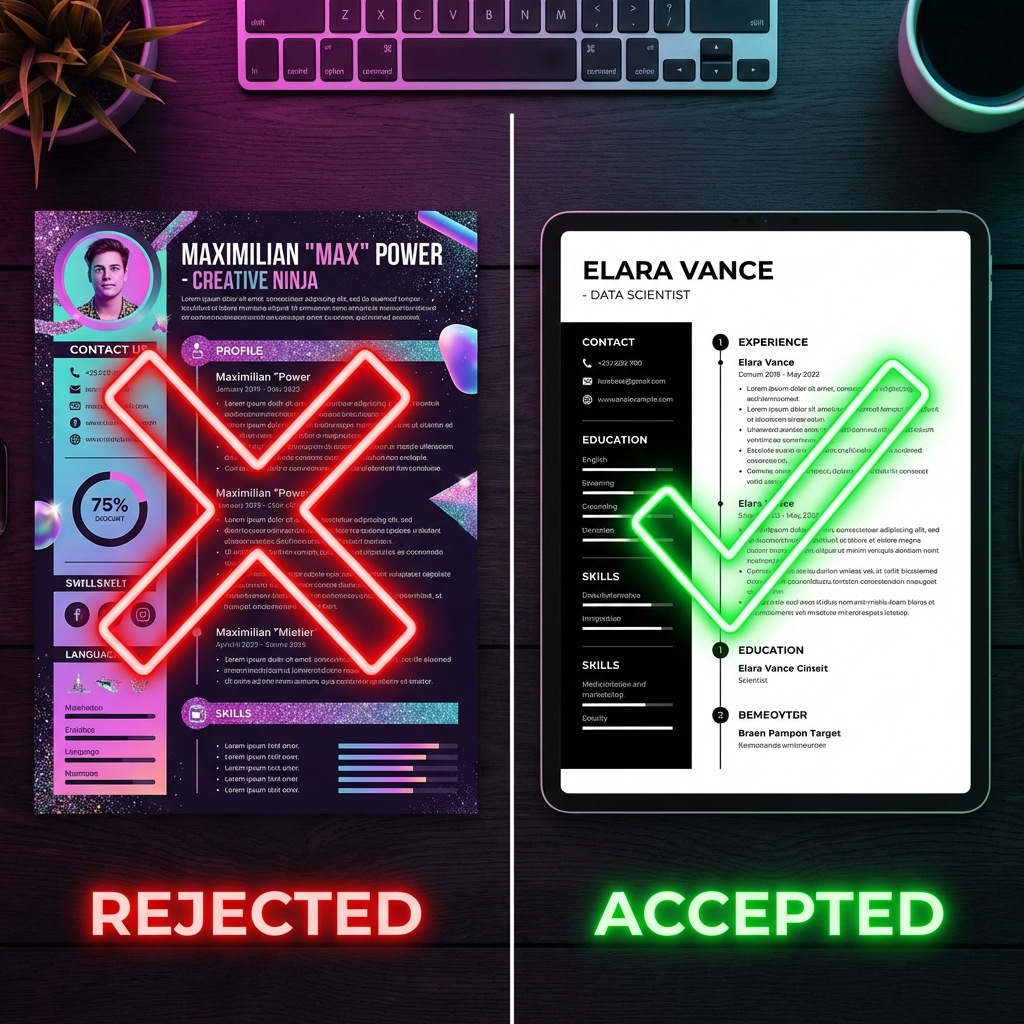
We need to talk about Canva. It’s an incredible design tool that has democratized graphic design for everyone. I use it for social media posts, birthday cards, and presentations. But there is one thing I will never use it for, and neither should you: Your Resume.
It sounds harsh, but here is the reality: If you are applying to jobs online in 2026, using a Canva PDF might be the reason you aren’t getting any callbacks.
The Silent Gatekeeper: ATS
Before a human recruiter ever sees your resume, it (usually) has to pass through an Applicant Tracking System (ATS). These are software robots used by 99% of Fortune 500 companies and a vast majority of SMEs to filter through thousands of applications.
The ATS reads the text in your resume file, parses it into fields (Name, Skills, Experience), and ranks you against the job description.
The Problem with Canva
Canva treats your resume as an image or a complex web of text boxes and graphics. To an ATS, a beautiful Canva resume often looks like a jumbled mess of unreadable characters or blank space.
Why Canva Fails the "Robot Test"
Here are the technical reasons why design-first tools fail at hiring:
- Text Boxes & Columns: The ATS reads left-to-right, top-to-bottom. Canva's drag-and-drop text boxes often confuse this order, meaning your "Work Experience" might get mixed up with your "Skills" section.
- Icons & Graphics: Those cute little icons for your phone number or email? The ATS can't read them. If you don't have the text labels, the system might miss your contact info entirely.
- Fonts & Exporting: When Canva exports to PDF, it sometimes converts text to outlines (shapes) to preserve the font. This makes the text invisible to text-parsing software.
"You could be the perfect candidate, but if the software can’t read your resume, you don’t exist."
See the Difference: Canva vs. CVByAI
You don't have to choose between "Beautiful" and "Readable". CVByAI was built to solve exactly this problem. We use code-based templates that render perfect HTML structures for the robots, while generating stunning designs for human eyes.
| Feature | Canva | CVByAI |
|---|---|---|
| Visual Design | 10/10 | 9/10 |
| ATS Readability | 2/10 (High Risk) | 10/10 (Guaranteed) |
| Text Parsing | Often jumbled | Perfectly structured |
| Keyword Optimization | Manual | AI-Assisted |
| File Size | Often heavy (Images) | Lightweight & Fast |
What Should You Use Instead?
If you want the visual appeal of a creative resume but the safety of a standard format, you need a specialized resume builder.
CVByAI offers:
- Smart Templates: Designs that look creative but are coded for strict ATS compliance.
- AI Content Generation: Don't just design it—write it better with our AI assistant.
- Real-time Scanning: Our built-in scanner checks your resume against job descriptions before you apply.
Conclusion: Don't Gamble Your Career
Job hunting is hard enough without technical glitches sabotaging you. A beautiful resume is useless if no one ever reads it.
Save Canva for your party invitations. For your career, trust a tool that understands the hiring technology.